AI Image Generation Mastery: Midjourney vs DALL-E vs Stable Diffusion
Create stunning AI artwork with the right tools and prompts. This comprehensive guide covers all major image generation platforms with practical tips and prompt templates.
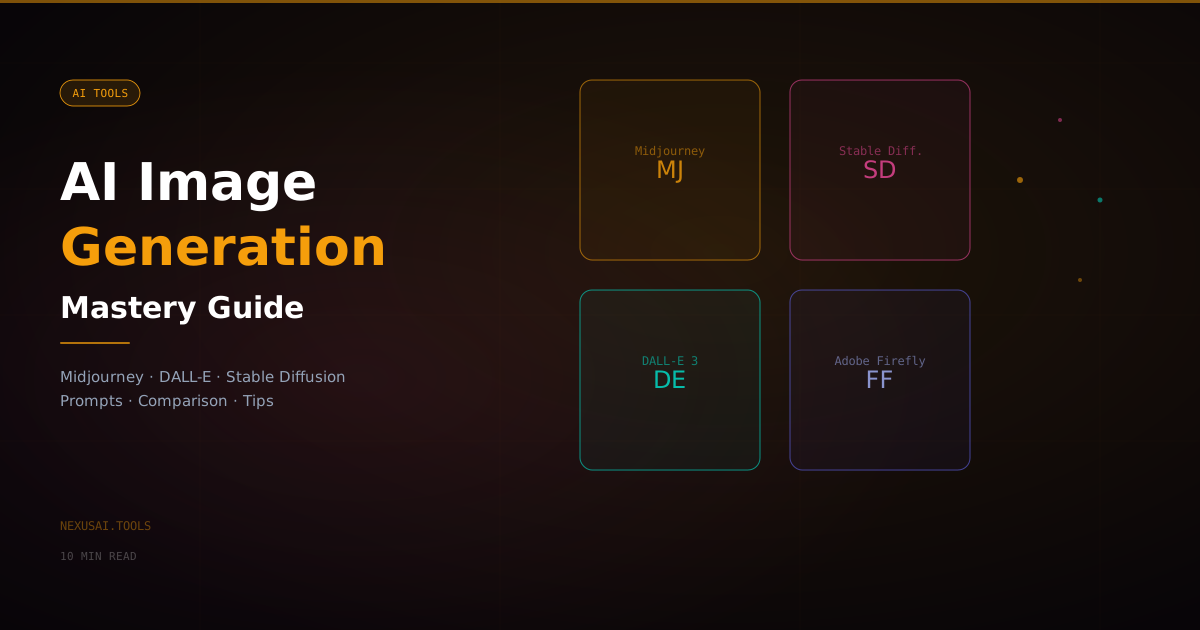
AI Image Generation Mastery: Midjourney vs DALL-E vs Stable Diffusion
AI image generation has exploded from a novelty to a professional tool used by designers, marketers, film studios, and creators worldwide. Understanding which tool to use — and how to prompt it effectively — is now a critical skill for anyone working in a visual field. This guide covers the major platforms, how they compare, and a complete prompting framework you can apply immediately.
Why AI Image Generation Has Changed Creative Work
Before AI image generation, creating a custom visual required either a professional designer, a stock photo license, or hours of work in Photoshop. Today, you can generate a production-quality image from a text description in under 30 seconds — for free or at a fraction of the cost.
The impact is already visible across industries. Marketing teams generate dozens of ad creative variations for A/B testing. Book authors create cover art concepts without hiring an illustrator. Game developers prototype visual assets in hours instead of weeks. Architects render concept visualizations before any CAD work begins.
According to Statista, the AI image generation market is projected to exceed $1.8 billion by 2030. The tools are maturing rapidly, and the skill of directing them is becoming as valuable as any traditional creative skill.
The Major Platforms Compared
Midjourney
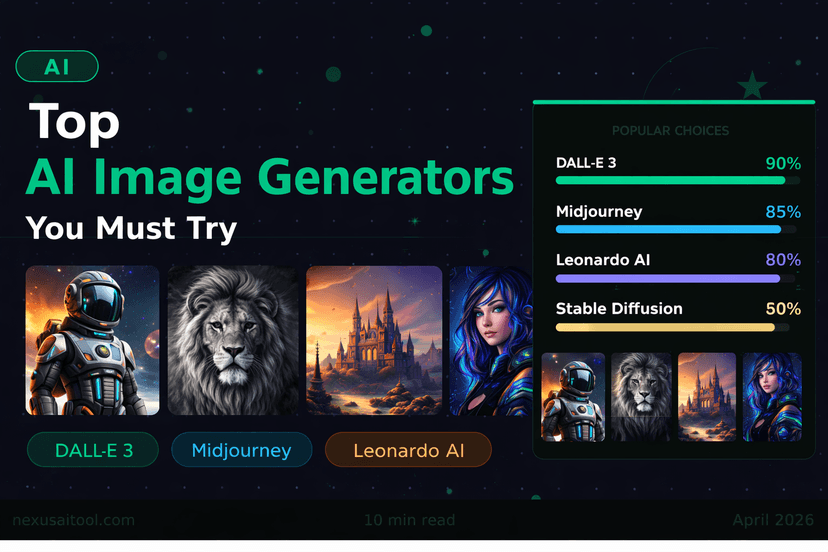
Midjourney consistently produces the most aesthetically polished and artistic results. It excels at stylized, painterly imagery — concept art, fantasy scenes, architectural renders, portraits, and editorial illustration. The output quality feels intentional in a way that sets it apart.
Best for: Art direction, creative concepts, editorial imagery, product mockups with artistic flair
Pricing: From $10/month (Basic), $30/month (Standard), $60/month (Pro)
Weakness: Runs through Discord (no standalone web app yet in basic tiers), less precise for technical or text-heavy images
Prompting example:
A cinematic photograph of a Japanese tea house in autumn, golden hour light,
red maple leaves falling, shallow depth of field, shot on 85mm lens,
photorealistic, 8k resolution --ar 16:9 --style raw --v 6
DALL-E 3 (via ChatGPT)
DALL-E 3 by OpenAI is the most accessible option, integrated directly into ChatGPT Plus. Its major strength is prompt adherence — it follows instructions closely and handles text within images better than most competitors. It is the best choice when you need the image to match your brief precisely.
Best for: Marketing visuals, social media graphics, text-in-image, illustrative content
Pricing: Included in ChatGPT Plus ($20/month); API access priced per image
Weakness: Output can feel slightly flat compared to Midjourney's artistic depth
Prompting example:
A clean, modern infographic showing three steps to use an AI tool.
Icons on a white background, minimal design, blue and purple color palette,
professional business style
Stable Diffusion (via ComfyUI or Automatic1111)
Stable Diffusion is open-source, which means you can run it locally on your own hardware for free. It has the steepest learning curve but the most control — you can fine-tune models, install community-trained checkpoints, and generate unlimited images without any API costs.
Best for: High-volume generation, custom model training, privacy-sensitive work, budget-conscious creators
Pricing: Free (self-hosted); DreamStudio offers a cloud version from $10/month
Weakness: Requires technical setup; output quality depends heavily on which model checkpoint you use
Adobe Firefly
Adobe Firefly is trained exclusively on licensed content, which makes it the safest choice for commercial use where copyright is a concern. It integrates directly into Photoshop and Illustrator, making it ideal for designers already in the Adobe ecosystem.
Best for: Commercial work, marketing agencies, designers using Adobe Creative Cloud
Pricing: Included in Creative Cloud subscriptions; standalone from $4.99/month
Ideogram
Ideogram has become the go-to tool specifically for generating images that contain readable text. Every other generator struggles badly with text — Ideogram largely solves this problem, making it essential for posters, logos, banners, and any image that needs words in it.
Best for: Posters, typography-heavy designs, social graphics with text, logo concepts
Pricing: Free tier available; paid plans from $7/month
The Complete Prompting Framework
The difference between a mediocre and a stunning AI image usually comes down to the prompt, not the tool. Here is the framework professionals use:
The Six Elements of a Strong Prompt
1. Subject — What is the main focus? "A red-tailed hawk perched on a fence post"
2. Style — What visual style or medium? "photorealistic", "oil painting", "flat vector illustration", "pencil sketch", "cinematic"
3. Composition — Camera angle and framing? "wide angle", "close-up", "bird's eye view", "rule of thirds", "portrait orientation"
4. Lighting — How is the scene lit? "golden hour", "studio lighting", "dramatic shadows", "soft diffused light", "neon glow"
5. Technical specs — Resolution, lens, render quality? "8K resolution", "shot on 50mm lens", "rendered in Octane", "hyper-detailed"
6. Negative prompts (where supported) — What to avoid? "no watermarks, no blurry elements, no extra limbs"
Prompting Templates by Use Case
Product photography:
[Product] on a clean white surface, professional product photography,
soft studio lighting, sharp focus, commercial quality, no shadows,
minimal background, shot with 100mm macro lens
Social media lifestyle:
Young professional [description] in a bright modern [location],
candid lifestyle photography, natural light, warm tones,
authentic and relatable, Instagram aesthetic
Blog post hero image:
Abstract representation of [topic], modern tech aesthetic,
purple and blue gradient, geometric shapes, professional,
suitable for blog header, 16:9 ratio, no text
Advanced Techniques
Iteration and Variation
Never settle for the first output. Generate 4-8 variations, identify what works in each, and refine the prompt based on what you observe. The third or fourth generation is almost always stronger than the first.
Image-to-Image Generation
Most platforms allow you to upload a reference image and generate variations of it. This is powerful for maintaining visual consistency across a project — upload your brand photography and generate on-brand AI variations.
Style Reference Images
In Midjourney, use --sref to upload a style reference image. The model will adopt the visual style of your reference while generating new content. This is how designers maintain a consistent visual identity across AI-generated assets.
Aspect Ratios Matter
Always specify the aspect ratio for your use case:
--ar 16:9for YouTube thumbnails, blog headers, desktop wallpapers--ar 9:16for Instagram Stories, TikTok, mobile wallpapers--ar 1:1for Instagram posts, profile pictures--ar 4:5for Instagram feed posts (optimal for mobile)
Copyright and Commercial Use
This is the most important legal consideration in AI image generation. The rules vary by platform:
- Adobe Firefly: Safe for commercial use — trained on licensed data
- Midjourney Pro+: Commercial use rights included in paid plans
- DALL-E 3: OpenAI grants commercial use rights to paid users
- Stable Diffusion: Depends on the model checkpoint — check the license of each model you use
When in doubt, use Adobe Firefly or check the terms of service carefully before using generated images in commercial materials.
Integrating AI Images Into Your Workflow
The most effective use of AI image generation is not replacing your design workflow — it is accelerating the early stages of it. Use AI to:
- Generate mood boards — create visual references for briefs faster than stock photo searching
- Prototype concepts — test multiple visual directions before committing to one
- Create placeholder assets — generate realistic placeholders for development mockups
- Produce social content at scale — generate variations of proven ad formats quickly
For a broader look at AI tools that fit into a professional workflow, see The Freelancer's Guide to AI Tools and the AI Content Creation Workflow 2026.
Which Tool Should You Start With?
- Start with DALL-E 3 if you already have ChatGPT Plus — zero learning curve, great for most use cases
- Upgrade to Midjourney when you need artistic quality and are producing serious creative work
- Add Ideogram whenever you need text in your images
- Explore Stable Diffusion when cost or volume becomes a constraint
The tools are evolving fast. The skill that compounds over time is learning to communicate visual ideas precisely — a skill that transfers across every generation of AI image tools that follows. Discover more AI tools for creators at NexusAI.