Python + AI: Build Your First Automation Script in 30 Minutes
Learn how to combine Python with AI APIs to automate repetitive tasks. No advanced programming experience needed — just follow this beginner-friendly guide.
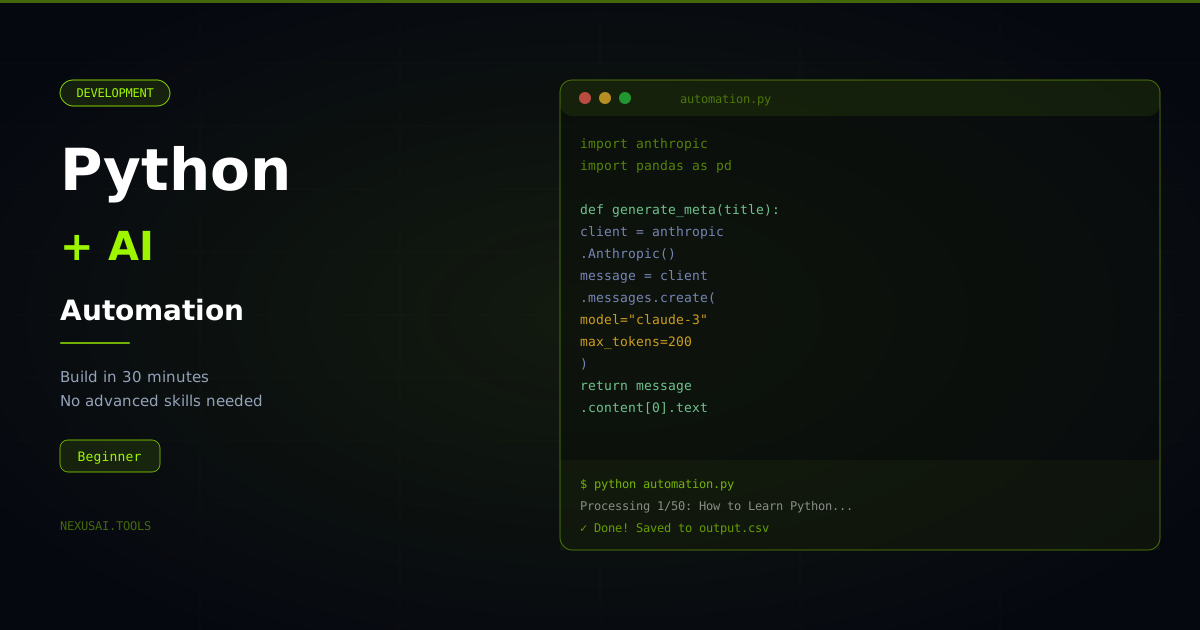
Python + AI: Build Your First Automation Script in 30 Minutes
Automation used to require years of programming experience. Today, with Python and AI APIs, you can build powerful automations in under an hour — even as a beginner. This guide walks you through everything from setting up your environment to shipping your first real AI-powered script.
Why Python Is the Best Language for AI Automation
Python has become the undisputed language of AI for good reason. Its syntax reads almost like plain English, the ecosystem of libraries is unmatched, and nearly every major AI provider — OpenAI, Anthropic, Google — ships a Python SDK first. When you combine Python with an AI API, you get a system that can understand language, generate text, classify data, and make decisions — all inside a script you can run on a schedule.
The Stack Overflow Developer Survey consistently ranks Python among the most used languages for data science and ML work. If you are going to invest in one language for AI automation, Python is the right choice.
What You Can Automate With Python + AI
Before writing a single line of code, it helps to understand the full scope of what is possible:
- Content generation — automatically draft blog posts, product descriptions, social captions, or email sequences based on input data
- Data classification — sort customer feedback into categories, tag support tickets, label spreadsheet rows
- Document summarization — condense long PDFs, reports, or meeting transcripts into bullet points
- Email triage — read incoming emails and draft replies or route them to the right team
- Web scraping + analysis — scrape data from websites and use AI to extract insights
- Slack or Discord bots — build assistants that respond to team questions using your own knowledge base
- Report generation — turn raw data into readable weekly summaries, automatically sent to your inbox
The pattern is always the same: you feed input data to an AI model, get structured output back, and do something useful with it.
Setting Up Your Environment
Step 1: Install Python
Download Python 3.11 or later from python.org. During installation, check the box that says "Add Python to PATH."
Verify the installation:
python --version
Step 2: Install the Required Libraries
Create a project folder, open your terminal inside it, and run:
pip install openai anthropic python-dotenv requests
- openai — the official OpenAI Python SDK
- anthropic — Anthropic's SDK for Claude
- python-dotenv — loads environment variables from a .env file so you never hardcode API keys
- requests — for making HTTP calls if you need to fetch data
Step 3: Store Your API Key Safely
Create a file called .env in your project folder:
OPENAI_API_KEY=your_key_here
ANTHROPIC_API_KEY=your_key_here
Never commit this file to GitHub. Add it to your .gitignore immediately.
Your First Automation: Blog Title Generator
Here is a complete, working script that reads a list of topics and generates SEO-optimized blog titles for each one using the OpenAI API.
import os
from openai import OpenAI
from dotenv import load_dotenv

load_dotenv()
client = OpenAI(api_key=os.getenv("OPENAI_API_KEY"))

topics = [
    "AI tools for freelancers",
    "Python automation for beginners",
    "Remote work productivity",
]

def generate_titles(topic: str) -> list[str]:
    response = client.chat.completions.create(
        model="gpt-4o-mini",
        messages=[
            {
                "role": "system",
                "content": "You are an expert SEO content strategist. Generate 5 compelling blog post titles.",
            },
            {
                "role": "user",
                "content": f"Generate 5 SEO-optimized blog titles for the topic: {topic}",
            },
        ],
        temperature=0.8,
    )
    return response.choices[0].message.content.split("\n")

for topic in topics:
    print(f"\nTitles for: {topic}")
    titles = generate_titles(topic)
    for title in titles:
        if title.strip():
            print(f"  - {title.strip()}")
Run it with python titles.py and you will get 15 SEO-optimized blog titles in seconds.
Building a More Powerful Automation: CSV Data Classifier
Here is a real-world automation that reads customer feedback from a CSV file and classifies each entry as Positive, Negative, or Neutral — then saves the result to a new CSV.
import os
import csv
from anthropic import Anthropic
from dotenv import load_dotenv

load_dotenv()
client = Anthropic(api_key=os.getenv("ANTHROPIC_API_KEY"))

def classify_sentiment(text: str) -> str:
    message = client.messages.create(
        model="claude-haiku-4-5-20251001",
        max_tokens=10,
        messages=[
            {
                "role": "user",
                "content": f"Classify this customer feedback as exactly one word: Positive, Negative, or Neutral.\n\nFeedback: {text}",
            }
        ],
    )
    return message.content[0].text.strip()

input_file = "feedback.csv"
output_file = "feedback_classified.csv"

with open(input_file, newline="", encoding="utf-8") as infile, \
     open(output_file, "w", newline="", encoding="utf-8") as outfile:

    reader = csv.DictReader(infile)
    fieldnames = reader.fieldnames + ["sentiment"]
    writer = csv.DictWriter(outfile, fieldnames=fieldnames)
    writer.writeheader()

    for row in reader:
        row["sentiment"] = classify_sentiment(row["feedback"])
        writer.writerow(row)
        print(f"Classified: {row['feedback'][:50]}... → {row['sentiment']}")

print(f"Done. Results saved to {output_file}")
This script can process hundreds of rows in minutes — work that would take a human hours of manual reading.
Scheduling Your Automation
A script that runs once is useful. A script that runs automatically every day is transformative.
Windows Task Scheduler
- Open Task Scheduler → Create Basic Task
- Set the trigger to Daily at your preferred time
- Set the action to run
python C:\path\to\your\script.py
Mac/Linux Cron
Open terminal and run crontab -e, then add:
0 8 * * * /usr/bin/python3 /path/to/your/script.py
This runs your script every day at 8 AM.
Cloud Scheduling
For scripts that need to run reliably even when your computer is off, use GitHub Actions (free) or a cloud function on AWS Lambda or Google Cloud Run.
Error Handling and Rate Limits
Production automations need to handle failures gracefully. AI APIs have rate limits — if you send too many requests too quickly, the API will reject them.
import time
from openai import RateLimitError

def safe_generate(prompt: str, retries: int = 3) -> str:
    for attempt in range(retries):
        try:
            response = client.chat.completions.create(
                model="gpt-4o-mini",
                messages=[{"role": "user", "content": prompt}],
            )
            return response.choices[0].message.content
        except RateLimitError:
            wait_time = 2 ** attempt  # exponential backoff: 1s, 2s, 4s
            print(f"Rate limited. Waiting {wait_time}s...")
            time.sleep(wait_time)
    return "Error: could not generate response after retries"
Always add error handling before running your automations on real data.
Practical Project Ideas to Build Next
Once you are comfortable with the basics, here are automation projects with real business value:
- Automated SEO brief generator — input a keyword, output a full content brief
- Email reply drafter — read emails from your inbox via IMAP and draft replies for review
- Meeting transcript summarizer — paste a transcript, get action items and decisions
- Social media repurposer — convert a blog post into Twitter threads, LinkedIn posts, and Instagram captions
- Invoice data extractor — read PDF invoices and extract totals, dates, and vendor names to a spreadsheet
For more ideas on using AI in your workflow, see our guide on AI Content Creation Workflow 2026 and The Freelancer's Guide to AI Tools.
Choosing the Right AI Model for Automation
Not all tasks need the most powerful model. Using a faster, cheaper model for simple classification tasks can reduce costs by 90%.
| Task | Recommended Model | Why |
|---|---|---|
| Classification, tagging | Claude Haiku, GPT-4o-mini | Fast, cheap, accurate enough |
| Summarization | Claude Sonnet, GPT-4o | Better coherence on long text |
| Complex reasoning | Claude Opus, GPT-4o | Worth the cost for high-stakes tasks |
For a deeper comparison of which AI model excels at what, see ChatGPT vs Claude vs Gemini 2026.
What to Learn Next
Once you have your first automation running, the natural progression is:
- Learn pandas for working with larger datasets — pandas documentation
- Learn FastAPI to turn your script into a web service other people can call
- Learn LangChain or direct SDK usage to build more complex multi-step AI pipelines
- Explore vector databases like Pinecone or Chroma for building AI tools that remember information
The foundation you build with Python automation will serve you across every AI project you tackle. Start with one working script, ship it, and build from there. Explore more AI tools and productivity resources at NexusAI.