Building Production Apps with Next.js 14: A Complete Guide
A practical, production-minded guide to shipping with Next.js 14, including route architecture, performance discipline, and deployment-ready patterns.
Building Production Apps with Next.js 14
Next.js 14 is at its best when you stop treating it like a front-end toy and start treating it like an application platform. The framework rewards teams that think clearly about data boundaries, rendering strategy, and user-perceived speed.
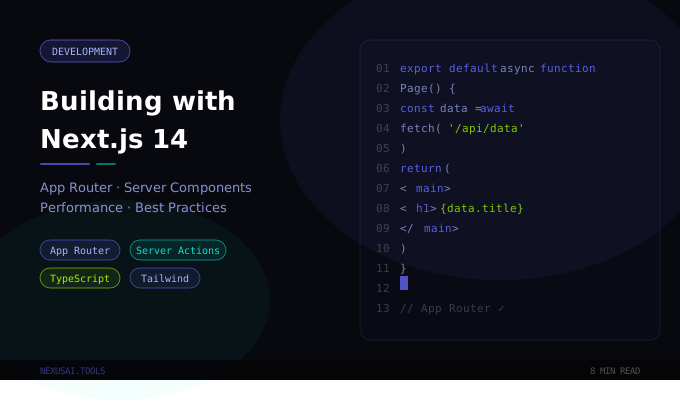
Start With the Route Design
Strong Next.js apps are usually easy to navigate in the codebase. That comes from route structure, not clever abstractions. A clean App Router setup should make it obvious:
- what renders on the server
- what runs on the client
- where data is fetched
- where mutations happen
If those boundaries are unclear, the app becomes difficult to optimize and harder to maintain.
Server Components Should Carry the Weight
One of the best production habits is to keep as much work as possible on the server. Server Components reduce client JavaScript, simplify data loading, and make initial rendering feel faster on real devices.
The rule of thumb is simple: use client components only when you truly need browser interactivity such as local state, effects, or event-heavy UI. Everything else can usually stay on the server.
Performance Is a Product Decision
Next.js gives you strong primitives, but performance still depends on choices:
- fetch only the data the page actually needs
- stream slow sections instead of blocking the whole page
- optimize images before they reach production
- avoid turning every component into a client boundary
Teams often lose performance not because Next.js is slow, but because the app quietly accumulates unnecessary client-side work.
Server Actions Change the Way Forms Feel
Server Actions are especially useful for dashboards, admin tools, and editorial workflows. They let you keep mutations close to the UI and reduce the need for boilerplate API glue. Used well, they make the codebase feel tighter and the user experience more direct.
The premium version of this pattern is not "put everything in a Server Action." It is choosing a small number of simple, predictable actions that are easy to monitor and validate.
A Production Checklist That Actually Helps
Before launch, every serious Next.js app should answer these questions:
- What is static, dynamic, or streamed?
- Which pages are most important for Core Web Vitals?
- What happens when a fetch fails or returns partial data?
- Which pages need metadata, schema, and social previews?
- Can another developer understand the route tree in ten minutes?
If you can answer those clearly, you are much closer to a resilient launch.
Final Take
Next.js 14 is powerful because it encourages good architecture, not because it hides complexity forever. The teams that get the best results are the ones that use its defaults thoughtfully, keep component boundaries honest, and optimize for clarity as much as speed.