Best AI Tools for Students in 2026 — Study Smarter, Not Harder
From essay writing to exam prep, these AI tools are transforming how students learn. Here are the best free and paid options every student should know about.
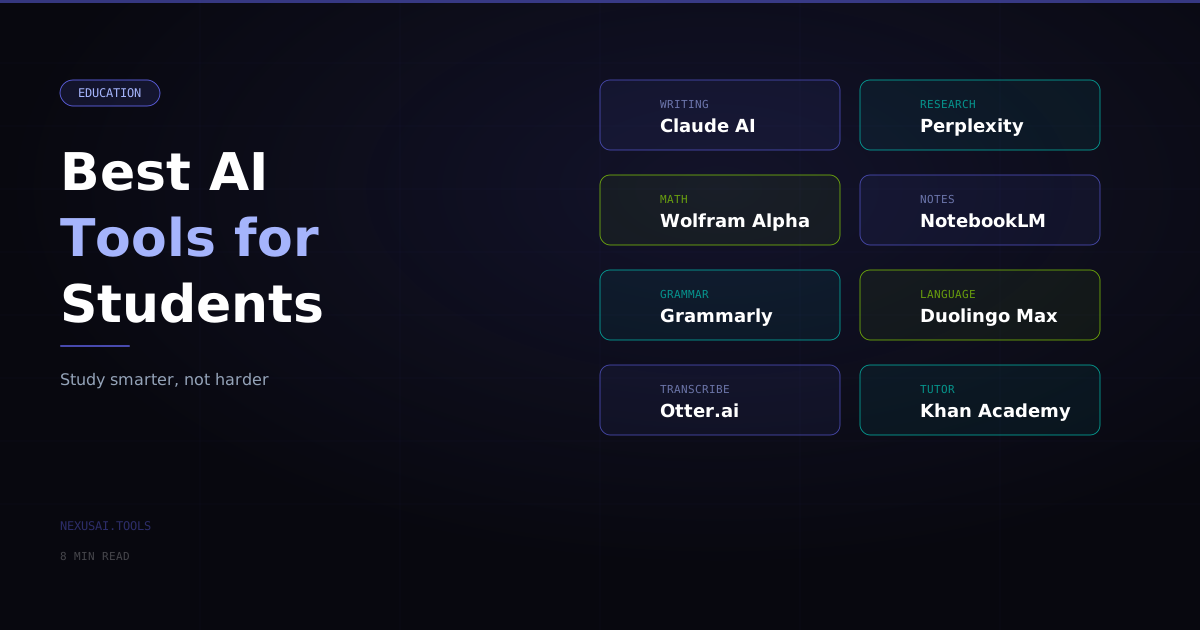
Best AI Tools for Students in 2026 — Study Smarter, Not Harder
Being a student in 2026 means having access to the most powerful learning tools ever created. AI has fundamentally changed how students research, write, study, and understand complex topics. But more tools does not automatically mean better learning. This guide covers the best AI tools for students by category — with honest advice on using them in ways that actually improve your understanding rather than bypassing it.
The Right Mental Model for AI as a Student
Before diving into the tools, the most important principle: AI should make you a stronger learner, not a lazy one. The students getting the most from AI are using it as a tutor, a writing coach, and a research accelerator — not as a ghostwriter for their assignments.
Used well, AI can explain a concept 10 different ways until one clicks, quiz you on your own notes, point out the weaknesses in your argument, and help you work through a problem step by step. That is different from just generating the answer.
The OECD's research on learning consistently shows that retrieval practice, spaced repetition, and elaborative interrogation (asking "why?") are the most effective study methods. AI tools can support all three when used intentionally.
Writing and Essay Tools
Claude — Your Smartest Writing Partner
Claude by Anthropic is the strongest AI assistant for academic writing. Use it to:
- Get feedback on your draft ("What is the weakest argument in this essay?")
- Improve clarity and structure ("Rewrite this paragraph to be more concise")
- Understand complex source material ("Summarize this research paper in simple terms")
- Brainstorm thesis ideas and counterarguments
What to avoid: Submitting Claude-generated text as your own work. Most academic integrity policies now explicitly prohibit this, and detection tools are improving. More importantly, writing is thinking — outsourcing it means outsourcing the learning.
Free tier: Generous free access. Claude Pro ($20/month) adds priority access and more usage.
ChatGPT — Versatile Academic Assistant
ChatGPT by OpenAI is useful across subjects. The free GPT-4o tier handles most academic tasks: explaining concepts, helping with math problems, discussing historical events, reviewing code, and providing research directions.
Best use case: When you are stuck on a concept, ask ChatGPT to explain it three different ways — one technical, one with an analogy, one with an example. One of the three usually clicks.
Grammarly — Real-Time Writing Polish
Grammarly integrates into your browser and catches grammar, spelling, clarity, and style issues as you write. The premium tier adds vocabulary suggestions and tone adjustments. It is not an AI writer — it is an AI editor, which is exactly what students should be using.
Pricing: Free (basic grammar); Premium from $12/month (often discounted for students)
Hemingway Editor — Clarity and Readability
Hemingway Editor is a free tool that flags overly complex sentences, passive voice, and readability issues. It is not AI in the generative sense, but it is one of the most effective free tools for improving academic writing clarity.
Pricing: Free (web); $19.99 (desktop app, one-time)
Research and Information
Perplexity AI — AI-Powered Research
Perplexity AI is a search engine powered by AI that provides cited answers from real sources. Unlike ChatGPT (which may hallucinate facts), Perplexity pulls from live web sources and shows you exactly where each claim came from. This makes it significantly safer for academic research.
Best use: Starting a new research topic — use Perplexity to get a well-sourced overview, identify key concepts and debates, and find the most relevant sources to read in full.
Pricing: Free; Pro from $20/month (adds more sources and GPT-4 access)
Elicit — AI Research Assistant for Academic Papers
Elicit is designed specifically for academic research. Ask it a research question and it searches across millions of academic papers (primarily from Semantic Scholar), extracts key findings, and presents them in a table you can sort and filter. It is the fastest way to survey a body of literature.
Best use: Literature reviews, understanding the state of research on a topic, finding papers that support or contradict a claim
Pricing: Free (limited); Plus from $10/month
Consensus — Evidence-Based AI Search
Consensus answers questions by searching peer-reviewed papers and surfacing what the research actually says. It rates the strength of evidence and shows whether the scientific consensus supports or contradicts a claim. Excellent for health, science, and social science topics.
Pricing: Free; Premium from $9.99/month
Connected Papers — Visualize Research Networks
Connected Papers creates a visual graph of how academic papers relate to each other — which papers cite which, and which are most central to a research area. When you find one good paper, use Connected Papers to discover the most important related work quickly.
Pricing: Free (5 graphs/month); Academic from $3/month
Studying and Note-Taking
Notion AI — Smart Notes and Study Guides
Notion is already the most popular note-taking app among students. Notion AI adds the ability to summarize your own notes, generate study guides from lecture notes, explain concepts you flagged as confusing, and turn rough notes into structured outlines.
Best use: After each lecture, paste your notes and ask Notion AI to generate a summary, 10 review questions, and the key terms you should know.
Pricing: Notion free; AI add-on $8/month (often discounted for students — check the education pricing)
Anki + ChatGPT — Supercharged Flashcards
Anki is the gold standard for spaced repetition study — a scientifically proven method for long-term retention. The manual process of making flashcards is tedious. Use ChatGPT to generate 20-30 flashcards from your lecture notes instantly:
Prompt: "Create 20 Anki-style flashcards from these notes. Format: Question on the front, concise answer on the back. [paste your notes]"
Pricing: Anki is free on desktop; $24.99 on iOS (one-time)
Otter.ai — Lecture Transcription
Otter.ai automatically transcribes your lectures, generating a searchable text version you can reference for essays and exam review. The AI summary feature extracts key points from each lecture automatically.
Pricing: Free (300 minutes/month); Pro from $8.33/month
Math and STEM
Wolfram Alpha — Computational Intelligence
Wolfram Alpha is the definitive tool for math, physics, chemistry, statistics, and engineering. It does not just give you the answer — it shows every step of the calculation and explains the method. For STEM students, this is the most reliable AI tool for subject-specific problems.
Pricing: Free (basic); Pro from $7.25/month (step-by-step solutions)
Photomath — Solve With Your Camera
Photomath lets you photograph a math problem and get a step-by-step solution. It covers arithmetic through calculus. Useful for checking your work and understanding where you went wrong.
Pricing: Free (basic solutions); Plus from $9.99/month (animated steps)
Coding and Computer Science
GitHub Copilot — AI Pair Programmer
GitHub Copilot is the AI coding assistant built into VS Code and other IDEs. It suggests code completions as you type and can generate whole functions from comments. For CS students, it is a powerful learning tool when used to understand suggestions rather than blindly accepting them.
Pricing: Free for verified students via GitHub Education — sign up with your student email
Replit AI — Learn to Code in the Browser
Replit is an in-browser coding environment with an AI assistant that explains code, helps debug errors, and answers programming questions in context. No setup required — great for beginners.
Pricing: Free; Core from $10/month
Academic Integrity: The Rules That Matter
Every institution has different policies. Some prohibit all AI assistance; others allow it for specific tasks with disclosure. Before using any AI tool for academic work:
- Read your institution's academic integrity policy — it may have been updated recently
- Ask your instructor directly what is permitted in their course
- When in doubt, disclose — "I used AI assistance for initial research, and all analysis is my own"
For a broader framework on responsible AI use, see AI Ethics 101.
Building an AI Study System
The students who benefit most from AI do not use it reactively (when stuck). They build it into their study system intentionally:
- Before class: Use Perplexity or Elicit to get background on the day's topic
- During/after class: Use Otter.ai to transcribe, Notion AI to summarize
- Study sessions: Use ChatGPT to quiz you, Anki for spaced repetition
- Writing assignments: Use Claude for feedback on your drafts, Grammarly for polish
- Research: Use Elicit or Consensus to find and evaluate sources
The full toolkit is at NexusAI. Build the habits that compound — and you will finish university with both better grades and stronger actual skills than your peers who never learned to use these tools well.